Free core toolsNo signup requiredLocal processing when stated
FREE TOOLS · NO SIGNUP REQUIRED · ETSY · WALL ART · POD
Print Size Calculator for Etsy Wall Art — 300 PPI, Ratios, Pricing & Mockups
Use the core tools without signing up: print sizes, 300 PPI, aspect ratios, image resizing, pricing, mockups and file preparation. Get the answer first — free.
Use the pixel dimensions entered above to compare four practical print densities side by side. These are dimensions based on pixel count, not a guarantee of print quality.
Image ratio: 4:5 · Portrait orientation
Maximum dimensions at selected PPI levels for the image above
Print density
Width
Height
Typical consideration
300 PPI
8 in
10 in
Fine detail, close viewing
240 PPI
10 in
12.5 in
Detailed prints
200 PPI
12 in
15 in
Moderate viewing distance
150 PPI
16 in
20 in
Larger viewing distance
Changing a file's 72/96/300 PPI metadata alone does not add pixels. Actual image dimensions and source detail determine what is available to print.
JPG or PNG. Analysis and processing happen locally in your browser.
↑
Drag your image hereor select a file from your computer
No file selected
ONE TOOL, ONE WORKFLOW
Less repetitive work when preparing wall art.
Come back whenever you need and complete the workflow without installing extra software.
01
Print-ready ratios
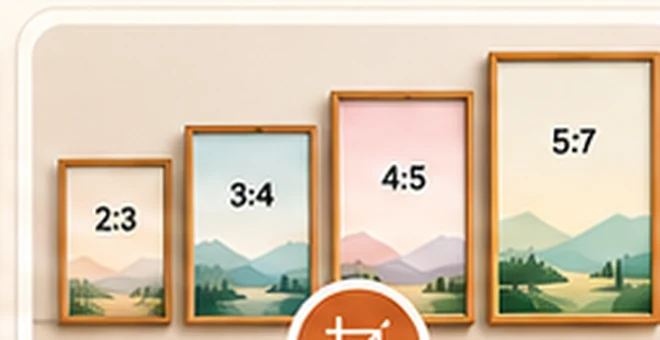
Review 2:3, 3:4, 4:5, 11:14 and ISO ratios and approve the exact crop before export.
02
JPG & ZIP at 300 PPI
Generate individual files or a ZIP package with print density set to 300 PPI.
03
Reusable mockups
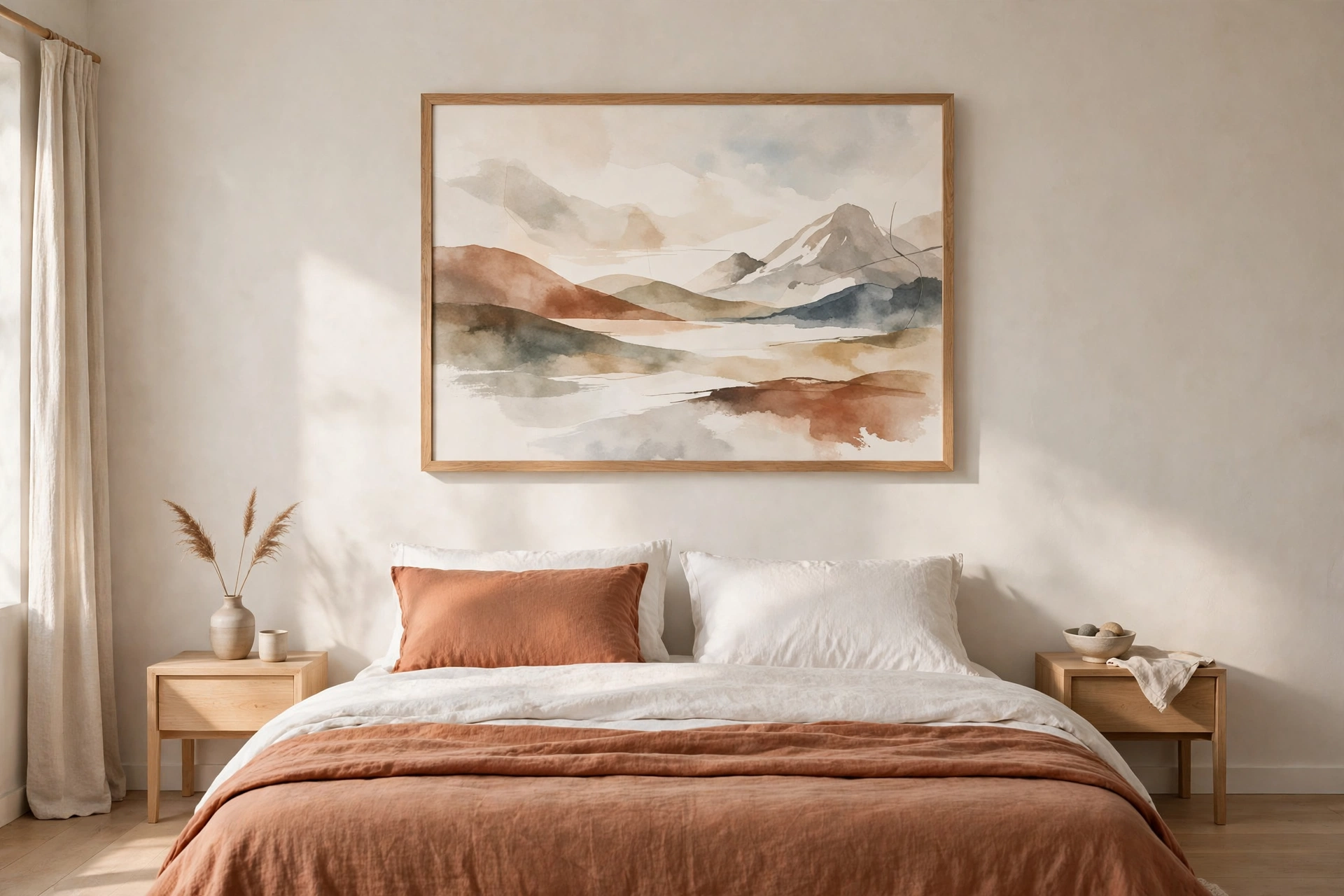
Choose premium scenes or use your own room photo with an easy guide, four-point placement and multiple frame styles.
PRIVACY BY DESIGN
Your artwork is processed on your device.
In this version, analysis, cropping and mockup composition happen in your browser.
The tool does not need to send your master image or room photo to a server for these functions.
QUICK QUESTIONS
Before you start
Do I need to install any software?
No. This version works directly in a modern browser.
Does the tool change my original file?
No. It works with an in-memory browser copy and generates new files for download.
Can I use a photo of my own room?
Yes. You can place the artwork with an adjustable guide or use precise four-point mode when a frame already exists or perspective needs correction.