Free Wall Art Mockup Generator
Place your artwork into reusable room scenes or use your own room photo. Wall Art Toolkit keeps the artwork as your artwork instead of redrawing it with generative AI.
Make listing mockups without redrawing your art
The full tool starts by reading your artwork locally in the browser. After upload, choose a print ratio and open the Mockups section.
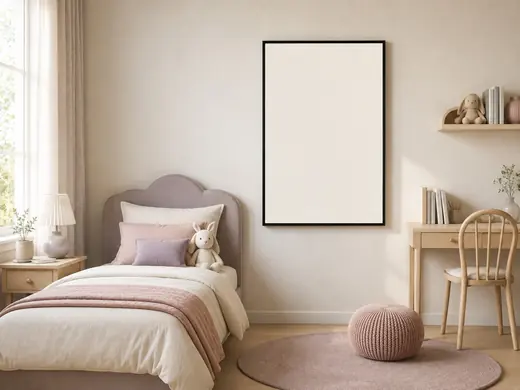
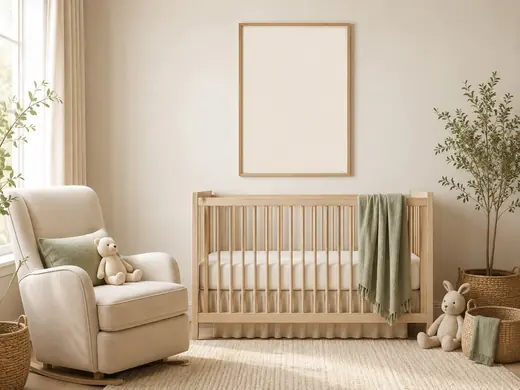
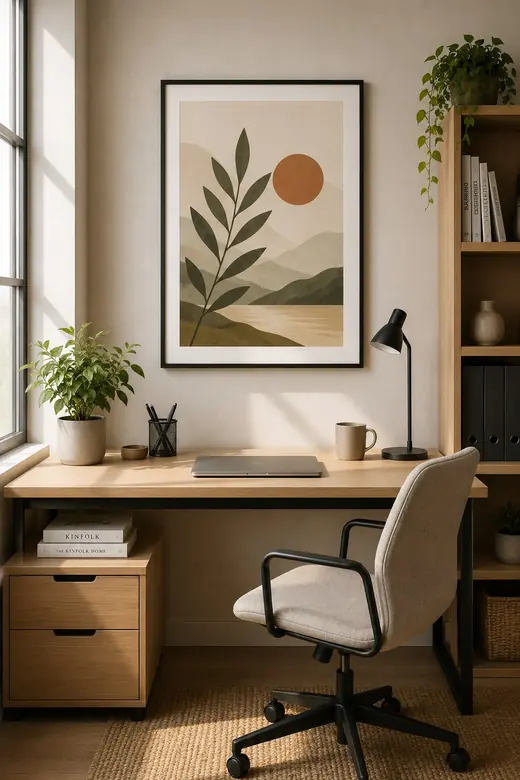
- Upload your JPG or PNG artwork.
- Choose the ratio you want to present.
- Select a compatible room template, or upload your own room photo.
- For your own photo, use the easy placement guide or 4-point perspective mode.
- Choose a frame style and generate the mockup.
What makes a useful Etsy wall art mockup?
Keep the art recognizable
A mockup should present the actual design, not reinterpret or redraw the artwork.
Respect proportions
Use a template compatible with the artwork ratio so the print does not look stretched.
Show realistic scale
Room scenes help shoppers understand how a print might feel in a bedroom, nursery, office or living room.
Use varied scenes
Different settings can communicate style and audience without changing the underlying artwork.
Templates are for presenting your own artwork. Wall Art Toolkit is independent and is not affiliated with or endorsed by Etsy.
Want a step-by-step listing workflow?
Read the no-Photoshop mockup guide for practical checks on ratio, scale, perspective, room-scene choice and how to keep the artwork recognizable.
FAQ
Can I upload my own room photo?
Yes. The full tool includes an easy placement guide for empty walls and a 4-point mode for replacing an existing frame or correcting perspective.
Does the mockup generator use generative AI?
The current mockup workflow composites the artwork you uploaded into a scene. It does not ask a generative model to redraw the design.
Can I add a frame?
Yes. The own-room workflow includes frame styles and thickness options before generating the final mockup.